EPD Touch Development Kit (EXT3-Touch)

Share

Compare

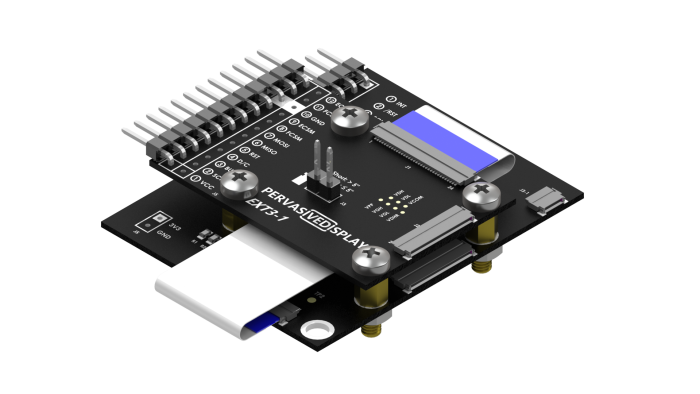
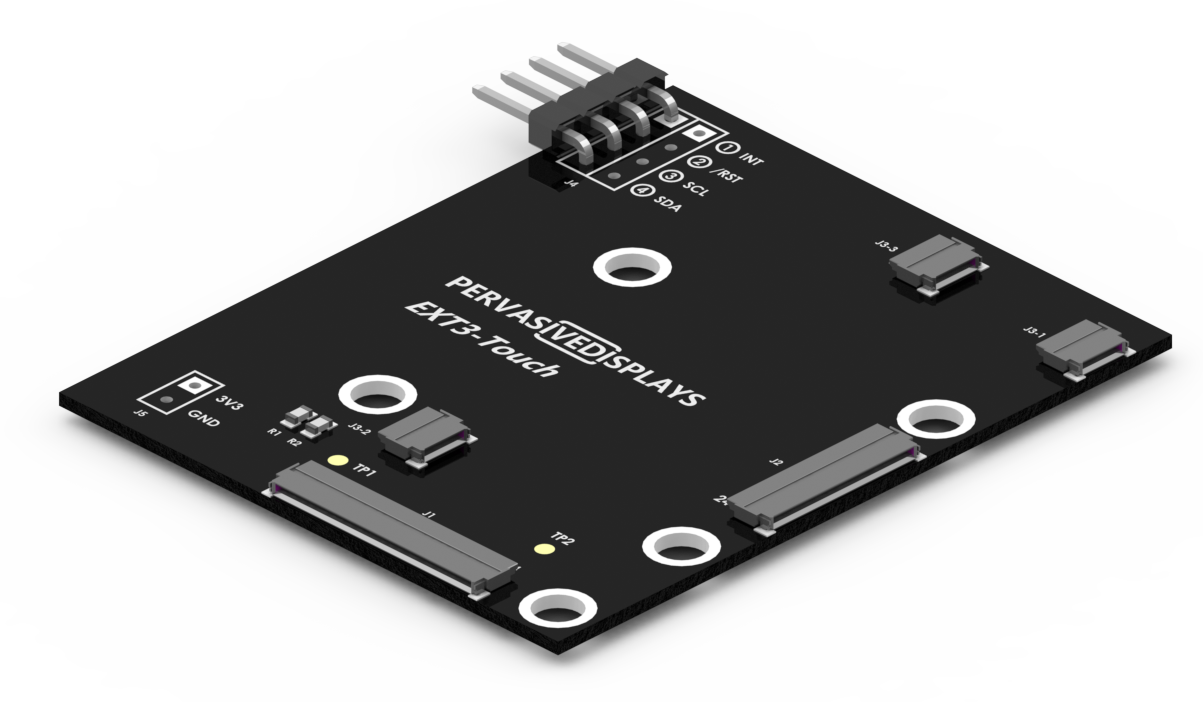
EXT3-Touch board

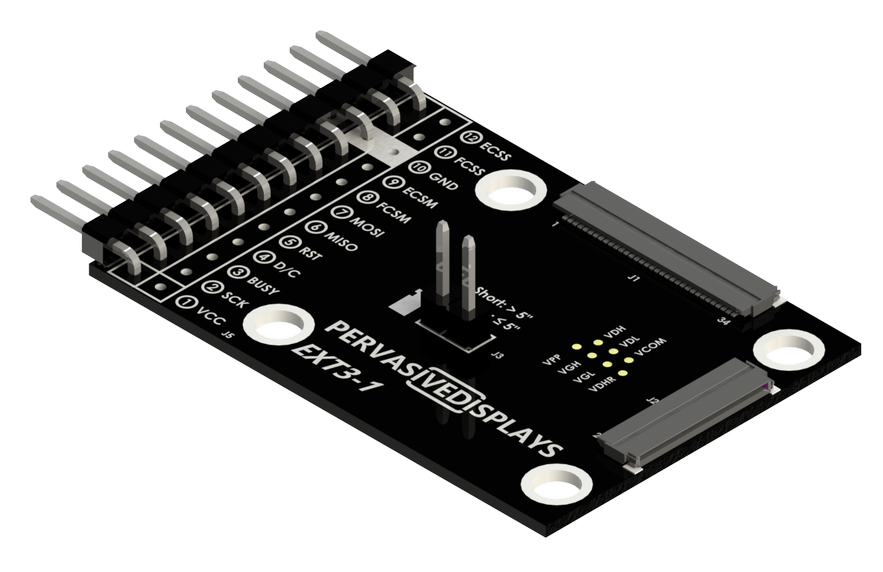
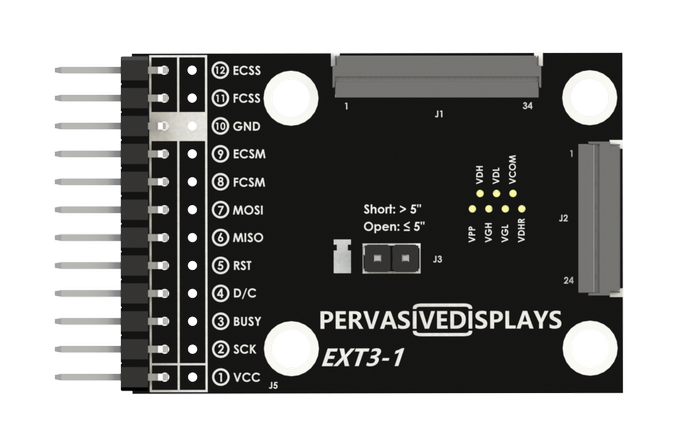
EXT3-1 board

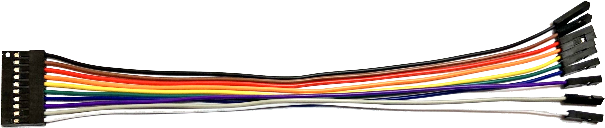
10-pin of EPD bridging cable

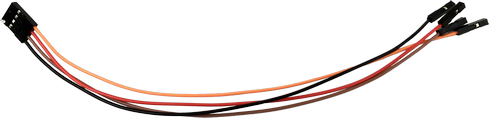
4-pin of touch bridging cable

34-pin FFC

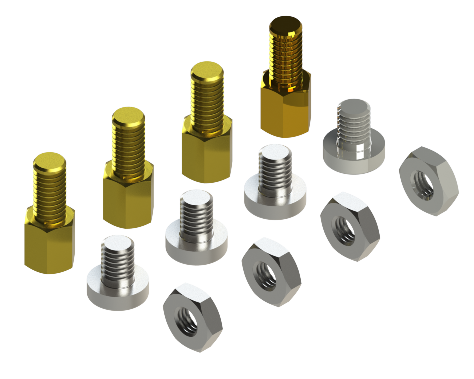
Copper-pillars, screws, nuts

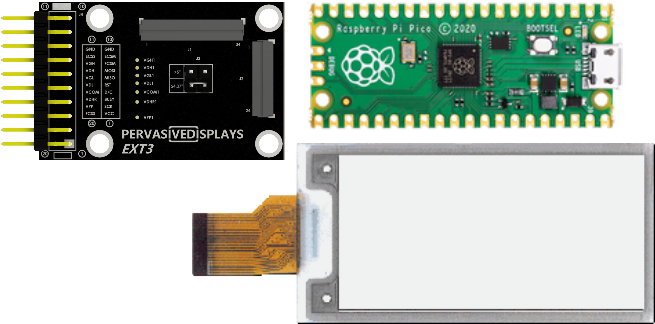
This board does not have an MCU/SoC. It just has EPD driving circuit and the header for connecting your development kits.

File Downloads

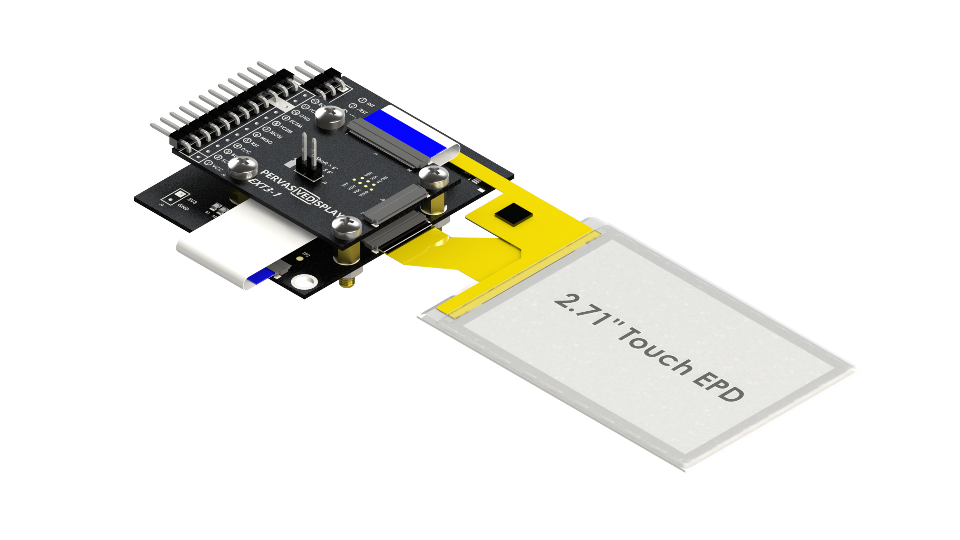
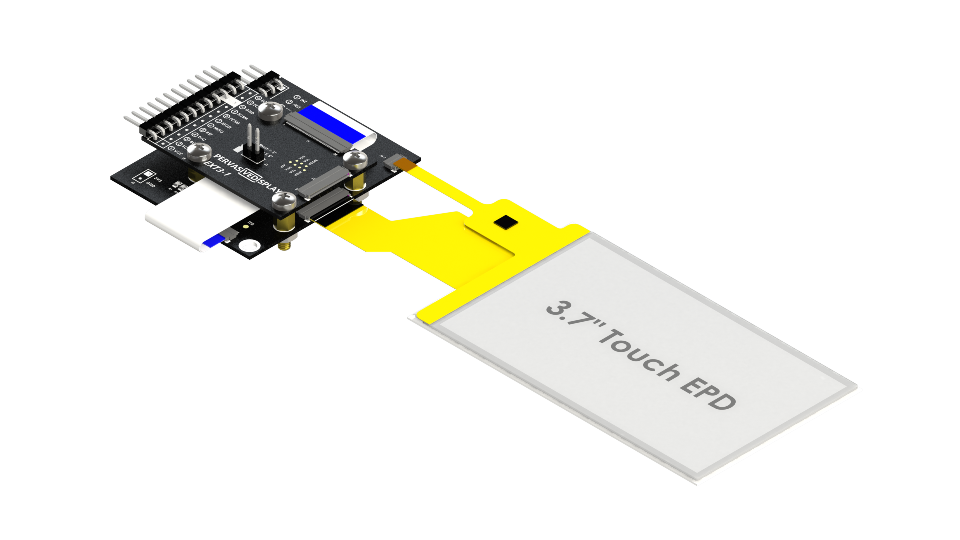
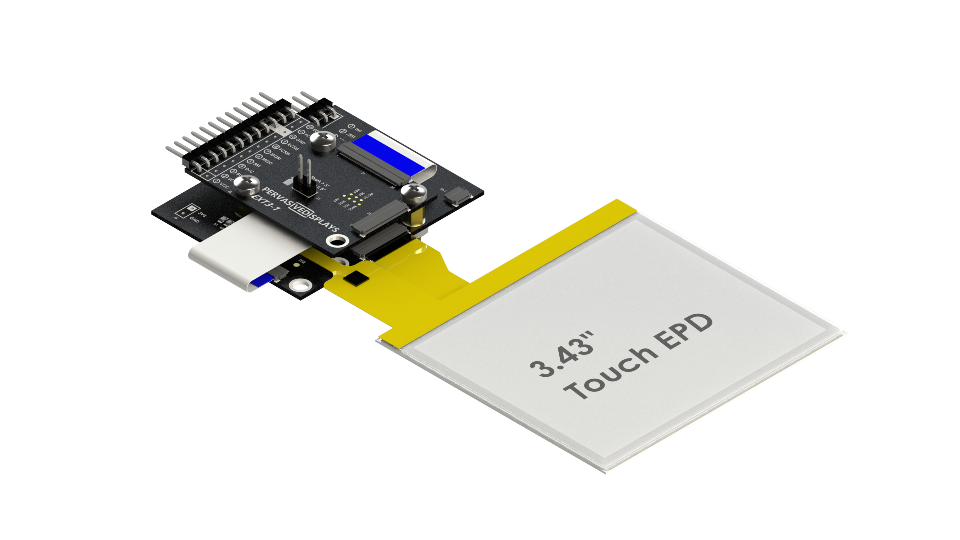
<p>The <strong>Touch Expansion Board for EXT3 (EXT3-Touch)</strong> opens a new dimension for EPDs. Instead of being passive, they can now act as input devices for any interactive interface, like Human Machine Interface (HMI) and thermostat. This is also a perfect configuration for ultra-low power IoT remote controls.</p> <p><strong>Note: </strong>this EXT3-Touch board needs to work with <a href="/product/epd-extension-kit-gen-3-ext3/" target="_blank" rel="noopener">EXT3-1 board</a> which is included in this kit.</p> <h4>Features:</h4> <ul> <li>3 ZIF connectors specifically placed for the 3.70″ and 3.4″ (,2.71″ and future sizes) of Touch EPDs made by Pervasive Displays</li> <li>A 34-way flat cable (FFC) connects the EXT3-1 Touch board to the EXT3-1 board could be placed on top</li> <li>Exposes 4 pins for the touch controller from your EVK</li> <li>With this kit, there are cooper pillars, screws and nuts set to fix these two boards</li> <li>Driver firmware is available for each EPD and touch controller as open-source license-free examples</li> <li>The <a href="/how-e-paper-works/epd-library-suite/" target="_blank" rel="noopener">Pervasive Displays Library Suite (PDLS)</a> fully supports this kit and brings a complete set of GUI elements</li> </ul> <p> </p> <h4>Instructions</h4> <p>Find the detailed introduction of <strong><a href="https://docs.pervasivedisplays.com/knowledge/Hardware/epd-usage/Boards/ext3-touch/index.html" target="_blank" rel="noopener">EXT3-Touch kit here</a></strong>.</p> <p> </p>
<p><img fetchpriority="high" decoding="async" class="aligncenter wp-image-1425 " src="https://supiti-eas-prd-wpas-pd-website-01-b8gpfxeqbhhuhthu.eastasia-01.azurewebsites.net/wp-content/uploads/2022/08/EXT3-Touch-Stacking-700×394-1.png" alt="" width="348" height="196" srcset="https://www.pervasivedisplays.com/wp-content/uploads/2022/08/EXT3-Touch-Stacking-700×394-1.png 700w, https://www.pervasivedisplays.com/wp-content/uploads/2022/08/EXT3-Touch-Stacking-700×394-1-600×338.png 600w, https://www.pervasivedisplays.com/wp-content/uploads/2022/08/EXT3-Touch-Stacking-700×394-1-300×169.png 300w" sizes="(max-width: 348px) 100vw, 348px" /></p>
<p><img decoding="async" class="aligncenter wp-image-5063 " src="https://supiti-eas-prd-wpas-pd-website-01-b8gpfxeqbhhuhthu.eastasia-01.azurewebsites.net/wp-content/uploads/2025/10/EXT3-Touch3.7-Touch-EPD.png" alt="" width="317" height="178" srcset="https://www.pervasivedisplays.com/wp-content/uploads/2025/10/EXT3-Touch3.7-Touch-EPD.png 960w, https://www.pervasivedisplays.com/wp-content/uploads/2025/10/EXT3-Touch3.7-Touch-EPD-300×169.png 300w, https://www.pervasivedisplays.com/wp-content/uploads/2025/10/EXT3-Touch3.7-Touch-EPD-768×432.png 768w, https://www.pervasivedisplays.com/wp-content/uploads/2025/10/EXT3-Touch3.7-Touch-EPD-600×338.png 600w" sizes="(max-width: 317px) 100vw, 317px" /></p> <p>Note: the 3.70″ Touch EPD is <span style="color: #ff0000;">excluded </span>in this kit. You will need to order it from <a href="/product/3-70-e-ink-displays/" target="_blank" rel="noopener">here</a>.</p>

Purchasing information

  • B3000MS045: EXT3-Touch kit only (without EPD): Digi-Key or Mouser
  • B3000MS046: EXT3-Touch with 3.7″ Touch EPD: Digi-Key or Mouser